Hello, world — and how this blog works
A quick tour of the MDX blog powering this site: frontmatter, custom components, syntax-highlighted code, callouts, images, and diagrams.
Welcome to the writing corner of the site. This first post is also the manual — it shows everything you can drop into a post, so future-me can copy from it.
Every post is a single .mdx file in content/blog/. The stuff at the very top
(between the --- fences) is frontmatter — the post's metadata:
Frontmatter fields
title, date, and summary are required; tags and cover (a banner image)
are optional. Every .mdx in content/blog/ is published automatically — set
draft: true only to keep an unfinished post off the site.
Writing prose
Regular Markdown just works: bold, italics, inline code, and
links to anywhere — external links open in a new tab
automatically, internal ones like the projects section use
client-side navigation.
Blockquotes render like this — good for pulling out a key line or a quote from someone smarter than me.
Lists too — unordered:
- Bullets, with
markerstyling that matches the theme - Nested items and task lists — all standard GitHub-flavored Markdown
…and ordered:
- Write the post
- Commit it
- Push — it's live
Code, with real syntax highlighting
Fenced code blocks are highlighted at build time with Shiki — zero JavaScript ships to the browser for this.
Titles and line highlights
Add a title after the language, and highlight specific lines with {...}:
export function getAllPosts() {
  return getPostSlugs()
    .map((slug) => getPostBySlug(slug).meta)
    .filter((meta) => !meta.draft)
    .sort((a, b) => (a.date < b.date ? 1 : -1));
}
Add showLineNumbers to number every line:
def greet(name):
    return f"hello, {name}"
A note on nesting
Headings nest in the table of contents on the left — h2 sits flush, h3
indents once, h4 indents again — with the section you're reading highlighted
as you scroll.
Inline code
Inline code such as getStaticProps and output: 'export' gets a subtle chip
treatment so it stands out in a sentence.
Callouts
Four flavors, for when a paragraph needs to raise its voice:
Note
Heads up
Static export means no server at runtime — everything here is generated at build.
Important
Images
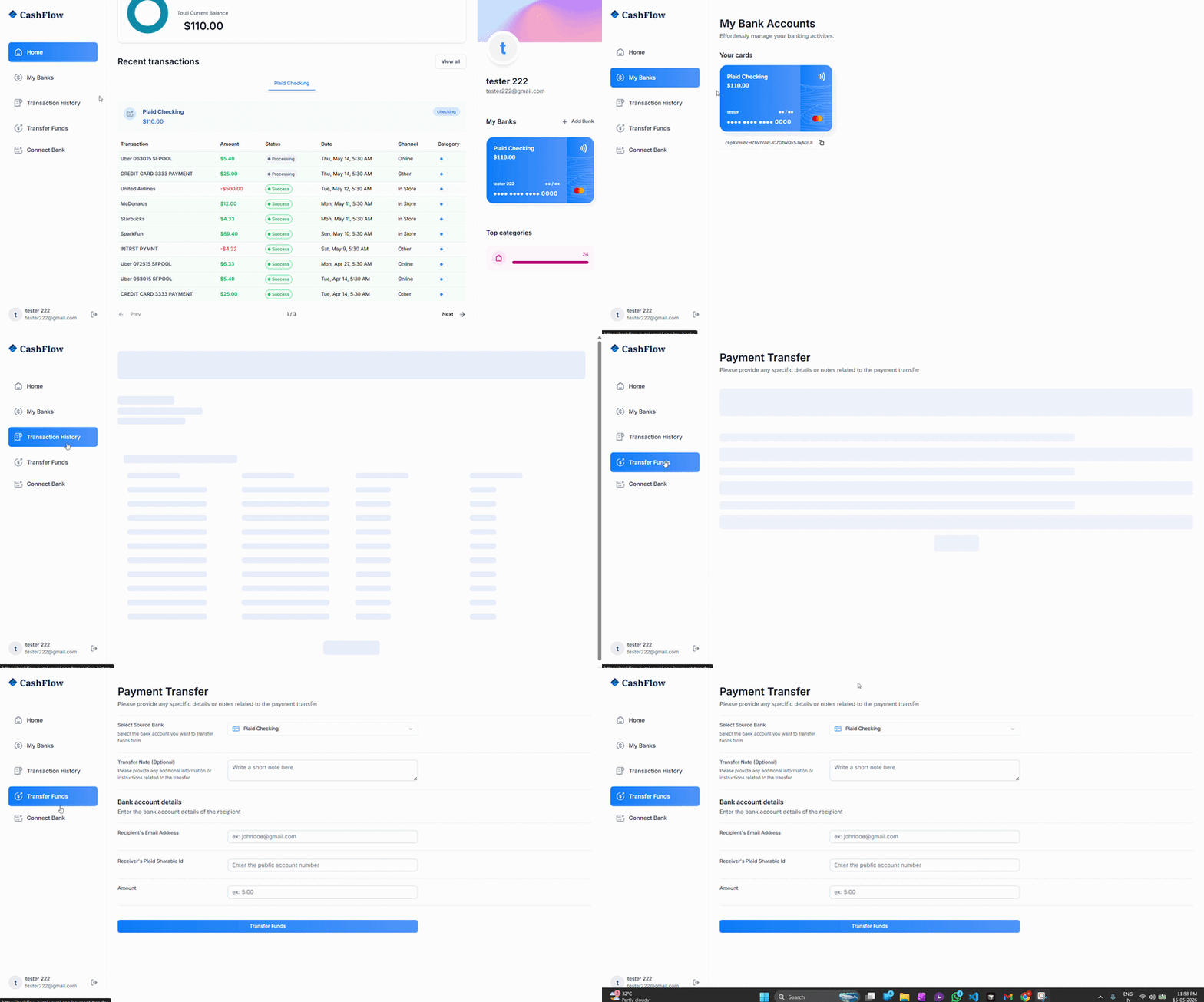
Drop an image with standard Markdown syntax and it renders as a bordered figure:

Or use the <BlogImage> component directly when you want a caption:
Tables
| Feature | How it's stored | Rendered when |
|---|---|---|
| Posts | .mdx files in git | build time |
| Syntax highlight | Shiki (build time) | build time |
| Tag filtering | client state | runtime |
Diagrams
A ```mermaid block renders as a real diagram:
That's the whole toolbox. To publish a new post, drop a .mdx file in
content/blog/, fill in the frontmatter, and it shows up on the
writing index automatically — newest first.